Contents
- 🎧 What is Music Production Software?
- 🎯 Who Needs Music Production Software?
- 🎚️ The Core Components: DAWs, Plugins, and More
- 💰 Pricing & Plans: From Free to Pro
- ⭐ What People Say: Vibe Scores & User Sentiment
- ⚖️ Comparing the Titans: Ableton vs. Logic vs. FL Studio
- 💡 Pro Tips for Choosing Your DAW
- 🚀 Getting Started: Your First Steps in Digital Audio
- Frequently Asked Questions
- Related Topics
Overview
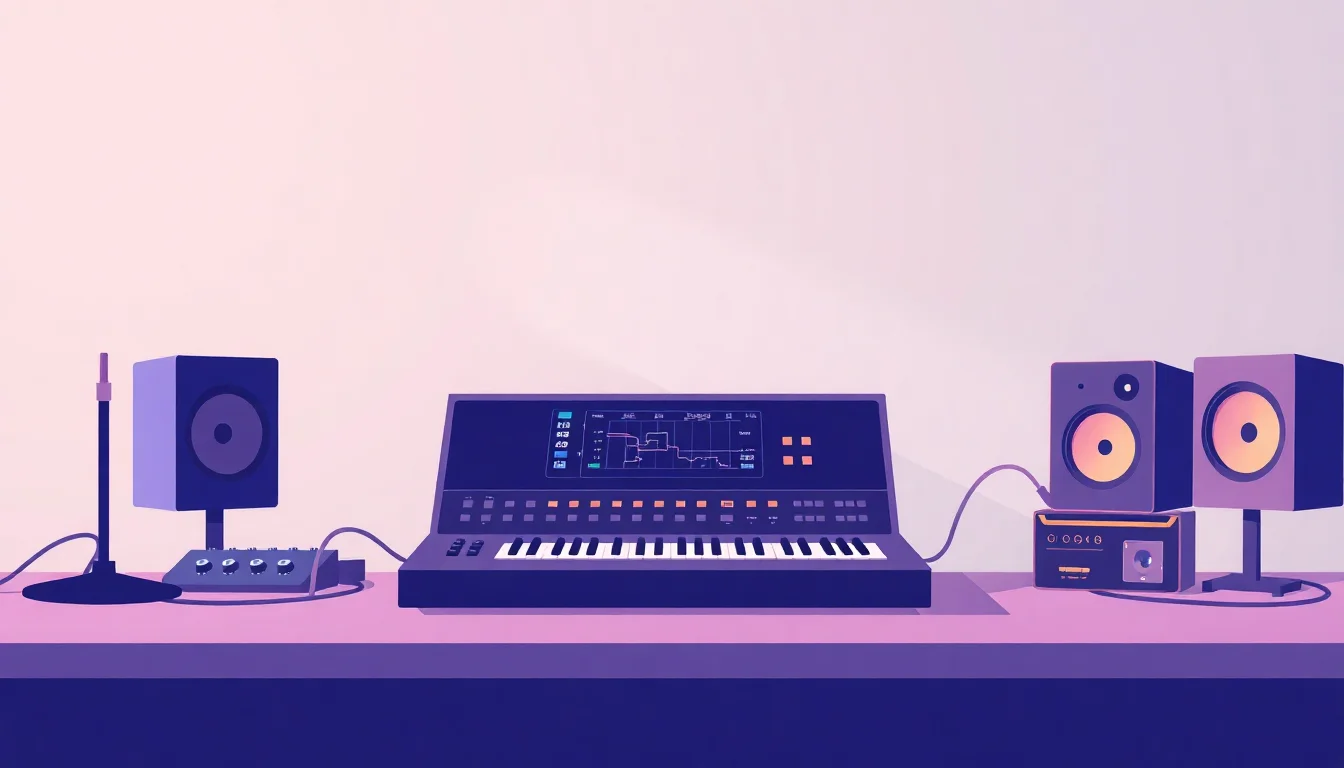
Music production software, often called a Digital Audio Workstation (DAW), is the central nervous system for modern music creation. It's a virtual studio environment where you can record, edit, mix, and master audio and MIDI. Think of it as your digital canvas, brush, and paint all rolled into one. From sketching out a melody to polishing a final track for release, these powerful applications are indispensable for anyone serious about making music. The evolution from analog tape machines to these sophisticated digital tools has democratized music creation, putting professional-grade capabilities into the hands of millions. Understanding the nuances of Digital Audio Workstations is the first step towards unlocking your creative potential.
🎯 Who Needs Music Production Software?
At its heart, music production software is for anyone with a musical idea they want to bring to life. This includes bedroom producers crafting beats in their home studios, session musicians laying down tracks remotely, sound designers creating sonic landscapes for film and games, and even live performers using it for backing tracks or live manipulation. While professional studios have long relied on these tools, the accessibility and affordability of modern DAWs mean they're now a staple for hobbyists and aspiring artists alike. If you're looking to move beyond simple recording and into the realm of arrangement, mixing, and mastering, this software is your gateway. The barrier to entry has never been lower, making it a crucial tool for the contemporary musician.
🎚️ The Core Components: DAWs, Plugins, and More
The ecosystem of music production software is built around several key components. The Digital Audio Workstation is the central hub, providing the interface for recording, editing, and arranging. Within the DAW, you'll encounter virtual instruments (synthesizers, samplers, drum machines) that generate sounds, and audio effects plugins (reverb, delay, compression, EQ) that shape and enhance those sounds. These plugins often adhere to standards like Virtual Studio Technology, Audio Units, and Avid Audio eXtension, allowing for interoperability between different software. Understanding how these elements interact is fundamental to building a functional and inspiring production setup. The quality and variety of available plugins can dramatically influence your sonic palette.
💰 Pricing & Plans: From Free to Pro
The pricing for music production software varies wildly, catering to every budget. Many DAWs offer free versions or limited-time trials, allowing you to test the waters before committing. Paid versions typically fall into a few tiers: entry-level (often around $99-$199), mid-range ($299-$499), and professional (upwards of $599, sometimes with subscription models). Plugin bundles and virtual instruments can add significant costs, ranging from free to thousands of dollars. Some companies, like Native Instruments, offer comprehensive bundles that provide immense value. Consider your long-term needs and budget when making an initial investment, as upgrading later can sometimes be more expensive than choosing the right package upfront. Many offer educational discounts, so always check for those.
⭐ What People Say: Vibe Scores & User Sentiment
Vibe Scores for music production software are generally high, reflecting their essential role in modern music. The Vibe Score for a DAW often correlates with its stability, workflow efficiency, and the size of its user community. Ableton Live consistently scores well for its innovative approach to performance and production, often reaching a 90/100 Vibe Score among electronic music producers. Logic Pro garners high marks for its value and comprehensive feature set, particularly within the Apple ecosystem, typically scoring around 85/100. FL Studio is lauded for its intuitive pattern-based workflow, especially popular in hip-hop and EDM, often hitting an 88/100. User sentiment is overwhelmingly positive, though debates about workflow and specific features are constant, contributing to a healthy Controversy Spectrum around the 'best' DAW.
⚖️ Comparing the Titans: Ableton vs. Logic vs. FL Studio
Choosing between the industry's leading DAWs can feel like picking a favorite child. Ableton Live excels with its Session View, a grid-based interface perfect for live performance and improvisational jamming, making it a darling of electronic musicians. Logic Pro, exclusive to macOS, offers an incredibly deep feature set for its price, with a traditional linear arrangement view and robust mixing tools, favored by songwriters and film composers. FL Studio (formerly FruityLoops) is renowned for its fast, pattern-based workflow, making beat creation incredibly fluid, a go-to for hip-hop and trap producers. Each has a distinct workflow; the 'best' is the one that clicks with your creative process. Exploring demos is crucial before committing to one ecosystem.
💡 Pro Tips for Choosing Your DAW
When selecting your first DAW, consider your primary musical genre. If you're into electronic music or live performance, Ableton Live's Session View might be your jam. For singer-songwriters or those working in film scoring, Logic Pro's comprehensive tools and traditional layout could be ideal. If beatmaking, especially in hip-hop, is your focus, FL Studio's pattern sequencer is hard to beat. Don't get bogged down by feature lists; instead, download demos and spend time with each. Pay attention to how intuitive the workflow feels for you. Also, consider your operating system; Logic Pro is Mac-only, while Ableton Live and FL Studio are cross-platform. Your computer's specs also matter; more complex projects require more processing power.
🚀 Getting Started: Your First Steps in Digital Audio
Getting started with music production software is an exciting journey. First, download the demo version of a DAW that appeals to you. Next, familiarize yourself with the basic interface: the arrangement view, the mixer, and the browser for plugins and samples. Watch introductory tutorials on YouTube specifically for your chosen DAW. Start by recording simple audio or MIDI patterns. Don't try to master everything at once; focus on one or two core concepts per session, like understanding MIDI sequencing or basic audio editing. The key is consistent practice and experimentation. The vast online communities for each DAW are invaluable resources for troubleshooting and learning new techniques. Embrace the learning curve; every producer started here.
Key Facts
- Year
- 1989
- Origin
- Early digital sequencers and samplers, evolving into sophisticated DAWs like Cubase (1989) and Pro Tools (late 1980s/early 1990s).
- Category
- Software & Tools
- Type
- Software Category
Frequently Asked Questions
Is music production software difficult to learn?
Learning any new complex software has a curve, but modern DAWs are designed with user-friendliness in mind. Most offer extensive tutorials and large online communities for support. Beginners often start with basic recording and editing, gradually exploring more advanced features like automation and sound design. The key is consistent practice and focusing on one concept at a time. Many users find that after a few weeks of dedicated effort, the core workflows become intuitive.
Do I need a powerful computer to run music production software?
Yes, a reasonably powerful computer is beneficial, especially for larger projects with many tracks, virtual instruments, and audio effects. For basic recording and editing, most modern laptops can suffice. However, for complex mixing and heavy use of CPU-intensive plugins, a desktop computer with a fast processor (e.g., Intel Core i7/i9 or AMD Ryzen 7/9), ample RAM (16GB minimum, 32GB recommended), and a fast SSD drive will provide a much smoother experience and prevent performance issues like audio dropouts.
What's the difference between a DAW and a plugin?
A Digital Audio Workstation is the main software application that acts as your virtual studio, providing the environment for recording, editing, and arranging audio and MIDI. Plugins, on the other hand, are smaller software modules that run inside the DAW. They come in two main types: virtual instruments (like synthesizers or samplers) that create sound, and audio effects (like reverb, EQ, or compression) that process and shape sound. Think of the DAW as the canvas and brushes, and plugins as the specific paints and textures you use.
Can I use music production software on both Mac and Windows?
Many popular DAWs are cross-platform, meaning they are available for both macOS and Windows. Examples include Ableton Live, FL Studio, Pro Tools, and Cubase. However, some DAWs are operating system exclusive. Logic Pro is famously only available for macOS, while Studio One offers both versions. Always check the system requirements and platform availability before purchasing software to ensure compatibility with your computer.
Are there good free music production software options?
Absolutely. Several excellent DAWs offer free versions or are entirely free. GarageBand is a fantastic free option for macOS and iOS users, offering a surprisingly robust feature set. Cakewalk by BandLab is a powerful, professional-grade DAW that is completely free for Windows users. Many plugin developers also offer high-quality free VST plugins and virtual instruments, allowing you to build a capable production setup without significant financial investment. These free options are great for beginners or for those who want to experiment without commitment.
What is MIDI and how does it work with music production software?
MIDI (Musical Instrument Digital Interface) is a communication protocol, not an audio signal. It transmits performance data like note on/off, pitch, velocity (how hard a key is pressed), and timing. In music production software, MIDI is used to control virtual instruments. When you play a MIDI keyboard or draw notes in a MIDI editor, the DAW sends this MIDI data to a virtual instrument, which then generates the actual sound. This allows you to easily change instruments, edit performances, and quantize timing without re-recording audio.